
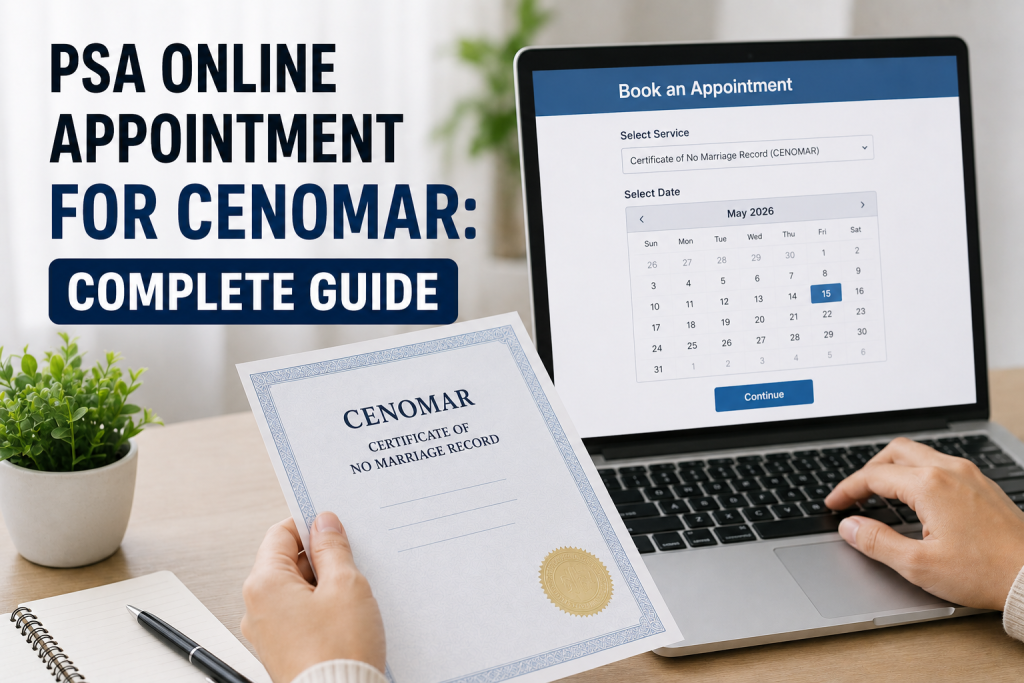
If you need to prove your civil status in the Philippines, the Certificate of No Marriage Record commonly known as CENOMAR is one of the most important documents you will ever request. Whether you are applying for a marriage license, processing a visa, or fulfilling a legal requirement, getting your CENOMAR starts with one simple step: booking your online appointment PSA. This complete guide walks you through every part of the process so you can get your CENOMAR without confusion, wasted trips, or unnecessary delays.
What Is a CENOMAR and Why Do You Need One?
CENOMAR stands for Certificate of No Marriage Record. It is an official document issued by the Philippine Statistics Authority (PSA) confirming that a person has never contracted any legally registered marriage in the Philippines. It is also known as a Certificate of Singleness or Advisory on Marriages.
This document is commonly required in the following situations:
- Marriage license application The Local Civil Registrar requires a CENOMAR from both parties before issuing a marriage license
- Visa and immigration processing Foreign embassies and immigration offices require it as proof of civil status for fiancé or spouse visa applications
- Employment abroad Many recruitment agencies and employers require it as part of OFW pre-departure documentation
- Legal and court proceedings Courts and law firms request it for annulment cases, estate settlements, or civil status verification
- Insurance and benefits Some providers require it when declaring single status for beneficiary or coverage purposes
Understanding your reason for needing a CENOMAR will help you prepare the right documents and choose the correct appointment type when you book.
Who Can Request a PSA CENOMAR?
Not everyone can walk in and request a CENOMAR on someone else’s behalf. The PSA only releases this document to authorized individuals:
- The document owner (the person named in the certificate)
- An immediate family member such as a parent, child, grandparent, or legal guardian
- An authorized representative carrying a signed authorization letter and a photocopy of the document owner’s valid ID
Anyone below 18 years old is not permitted to request a copy of another person’s CENOMAR.
Requirements Before You Book Your Online Appointment PSA
Before you head to the PSA appointment website, prepare all the necessary information and documents to avoid errors during the booking process.
Personal information you will need to provide:
- Your complete full name as it appears on your PSA birth certificate including your middle name
- Date of birth
- Place of birth
- Full names of both parents
Documents to bring on appointment day:
- At least one valid government-issued ID such as a PhilID (National ID), passport, UMID, driver’s license, voter’s ID, SSS/GSIS ID, or PhilHealth ID
- Your printed or digital PSA appointment slip with QR code
- Accomplished PSA Application Form (available at the outlet or from the PSA website)
If you are sending a representative in your place:
- A signed Authorization Letter or Special Power of Attorney (SPA)
- The representative’s own valid government-issued ID
- A photocopy of your own valid ID
How to Book Your Online Appointment PSA for CENOMAR: Step by Step
The PSA strictly enforces a “no appointment, no entry” policy at all Civil Registry System (CRS) outlets. Walk-ins without a confirmed booking are turned away at the entrance. Here is exactly how to book your slot:
Step 1 Visit the Official PSA Appointment Website
Open any browser on your phone or computer this is the only official portal for booking a PSA CRS appointment. Avoid third-party websites that charge a fee just to book a slot, as booking is completely free.
Step 2 Accept the Data Privacy Statement
Click the Civil Registration Service (CRS) Appointment banner on the homepage. Read the PSA Data Privacy Statement carefully and click “I Agree” to proceed. You cannot continue without accepting this.
Step 3 Select Your Purpose
From the dropdown menu, choose “Get copy/ies of civil registry document/s and certification/s” as your reason for the appointment. This option covers CENOMAR and all other civil registry document requests.
Step 4 Choose CENOMAR as Your Document Type
The system will ask what type of document you are requesting. Select CENOMAR from the list of available options. Make sure you choose the correct document type to avoid processing issues on your appointment day.
Step 5 Enter Your Personal Details
Fill in your full name, mobile number, and email address. Every detail must match your valid government-issued ID exactly. Even a single spelling difference or a missing middle name can cause delays or result in a failed record search at the outlet.
Step 6 Verify Your Identity with OTP
After submitting your details, a One-Time Password (OTP) will be sent to your registered mobile number or email address. Enter the OTP in the required field to verify your identity and continue to the next step.
Step 7 Select Your PSA Outlet, Date, and Time Slot
Choose the PSA CRS outlet most convenient for you. Then select your preferred appointment date and available time slot. Book as early as possible popular branches in Metro Manila and major cities fill up weeks in advance.
Step 8 Review and Confirm Your Booking
Before clicking confirm, carefully review all the details you entered your name, chosen PSA outlet, appointment date, and time. Once confirmed, you cannot easily change these details without cancelling and rebooking.
Step 9 Save Your QR Code and Reference Number
After confirmation, a QR code and booking reference number will be sent to your email. Screenshot the QR code immediately or forward the confirmation email to yourself as a backup. This QR code is your digital entry pass into the PSA outlet.
Your QR code is non-transferable; it is tied to your name, chosen outlet, and appointment date. Sharing or lending it to another person will result in denied entry and a cancelled booking.
What to Do on Your Appointment Day
Arriving prepared saves you time and avoids unnecessary stress at the outlet:
- Arrive 15 to 30 minutes before your scheduled time
- Present your appointment slip (printed or digital screenshot) to the Information Marshal at the entrance
- Collect your Application Form (AF) and Queue Ticket Number (QTN)
- Submit your completed form, valid ID, and supporting documents at the transacting window
- Pay the required fee at the cashier bring small bills as cashiers often run short of change
- Proceed to the releasing area when your name or number is called
If you miss your time slot or arrive too late, you may be denied entry and will need to book a new appointment from scratch.
PSA CENOMAR Fees in 2025
| Application Method | Fee |
| Walk-in at PSA CRS outlet | ₱210 per copy |
| Online with home delivery | ₱420 per copy (includes courier fee) |
| Viewable online copy | ₱185 per copy |
Booking your appointment is always free. You only pay for the certificate itself, either at the PSA cashier on your appointment day or online during checkout. Many PSA outlets now accept GCash and Maya in addition to cash.
CENOMAR Processing Time and Delivery
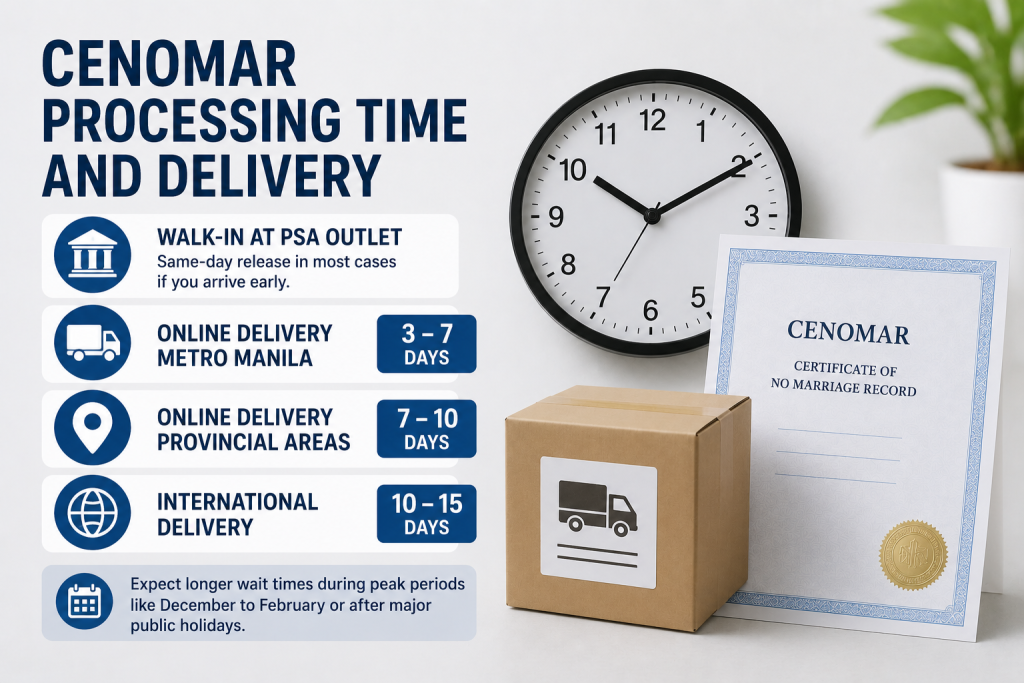
- Walk-in at PSA outlet: Same-day release in most cases if you arrive early. Busier branches may take 1 to 2 working days.
- Online delivery Metro Manila: 3 to 7 working days
- Online delivery Provincial areas: 7 to 10 working days
- International delivery: 10 to 15 working days
Expect longer wait times during peak periods like the December to February wedding season or after major public holidays.
Does a CENOMAR Have an Expiry Date?
Legally, a CENOMAR has no fixed expiration date since civil status can change at any time. However, most government offices, courts, and foreign embassies require a CENOMAR that was issued within the last 3 to 6 months. Always confirm the specific validity requirement of the institution requesting the document before you apply.
Skip the Outlet: Online Delivery Option
If visiting a PSA branch is not possible for you whether you are an OFW abroad, living in a remote province, or simply have a very busy schedule you can order your CENOMAR online through website, the official PSA-authorized online partner for civil registry documents. Just fill out the form on their website, pay online, and your CENOMAR will be delivered straight to your address. No outlet visit required.
Practical Tips to Avoid Delays
- Always use your exact name as written on your PSA birth certificate no nicknames, no abbreviations
- Double-check that your email and mobile number are active before booking your OTP and QR code will be sent there
- If you have a previous marriage that was annulled, coordinate with the Local Civil Registrar first to ensure your PSA records are fully updated before requesting a CENOMAR
- Scan your CENOMAR in color at high resolution before submitting it anywhere a digital backup is extremely useful if the original is lost or damaged
- Keep your Official Receipt (OR) from the PSA some courts and legal offices ask for proof that the certificate was legitimately issued.
Final Thoughts
Getting a PSA CENOMAR is a straightforward process once you understand how the system works. The most important first step is securing your online appointment through the official portal before visiting any outlet. Prepare your documents in advance, follow each step carefully, and arrive on time on your appointment day. Whether you need your CENOMAR for a marriage license, a visa application, employment abroad, or a legal proceeding, this guide gives you everything you need to get it done right without confusion, fixers, or wasted trips.